


Prayer
Prayer lets members submit prayer requests, pray for one another, share requests with their communities, and celebrate answered prayers. It's one of the most personal and frequently used features in the app — helping your congregation support each other through life's highs and lows, even when they can't be together in person.
How it works
- A member writes a prayer request in the app.
- If they choose, the request is also shared with one or more of their communities — community members get a push notification about it.
- The request appears in the prayer feed for other members to see.
- Other members tap Prayed For to show support. Each person can pray once per request, and the request keeps a running count.
- Members can open a prayer detail view to see the request, recent prayer activity, and available follow-up actions.
- When God answers, the member who submitted it can mark the prayer as answered, optionally adding a note about how it was answered. Answered prayers leave the active feed but remain in the member's personal prayer history.
Public vs. anonymous requests
Members can submit a request two ways:
| Mode | What others see |
|---|---|
| Public | The member's name appears alongside the prayer text. |
| Anonymous | The name is hidden from other members — only the prayer text is visible. |
Anonymous prayers are still linked to the member's account internally, so admins can identify the submitter if needed for safety or policy reasons. This lets people share vulnerable requests without fear of judgment, while keeping moderation possible.
The prayer feed
Understanding how the feed works helps with both member questions and moderation decisions:
- It shows unanswered prayers from the last 30 days. Older requests drop off automatically — no cleanup needed.
- Ordering: prayers from people the member follows come first, then the most-prayed-for requests, then the newest.
- Prayers that have been removed by a moderator, marked answered, or submitted by a shadow-banned member never appear.
Prayer Topics gives members a topic-based view of prayer requests. The screen always offers an All prayers option, groups the active topics together, and includes a button to start a new request without leaving the screen.
Topic assignments are refreshed from the current set of eligible prayers, so removed or ineligible requests do not remain assigned. Curation also filters requests that should not be surfaced in a topic-based experience.
Community prayers
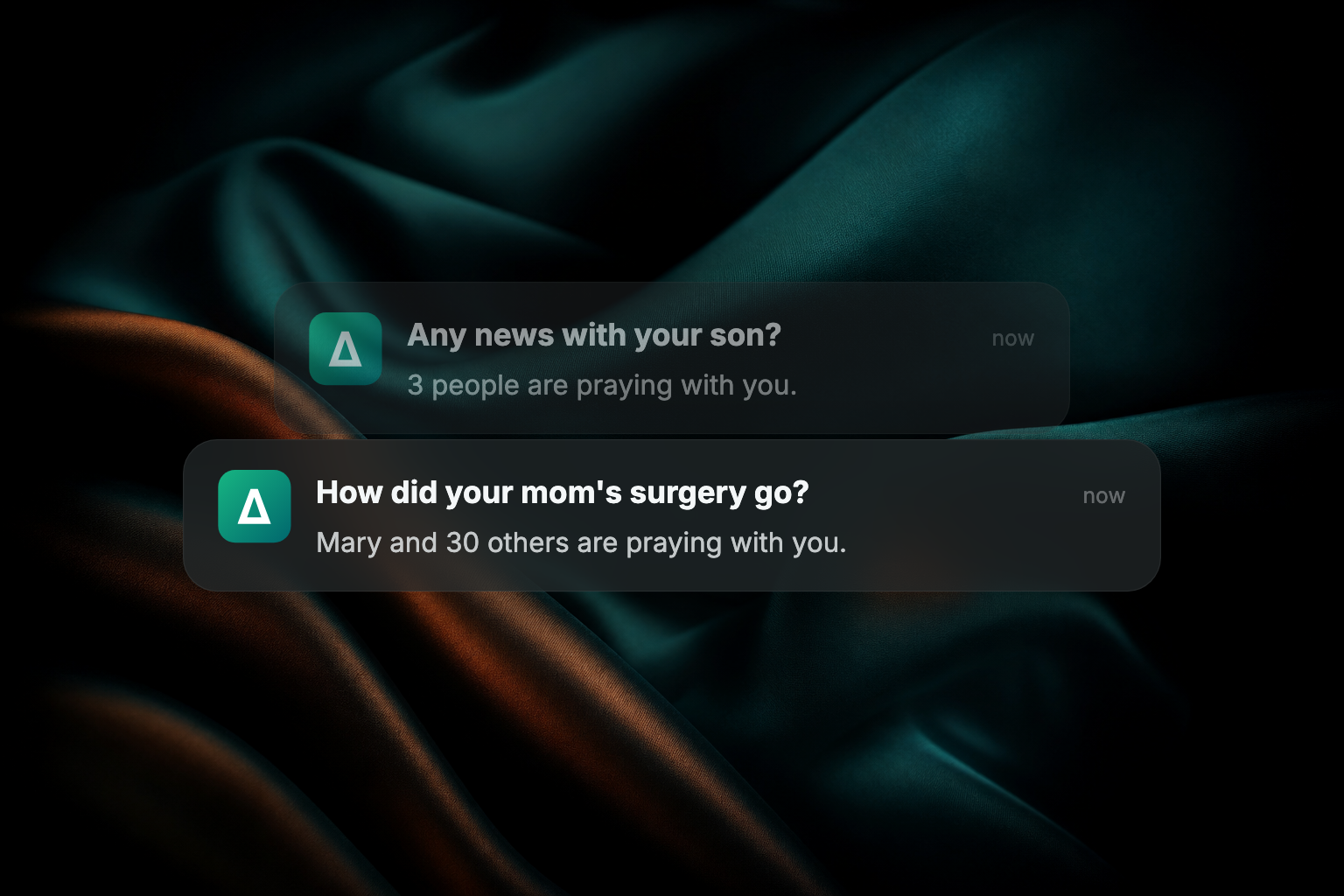
When submitting a request, members can share it with one or more of their communities — great for small group prayer chains and Bible studies. The prayer appears in the community's prayer section, and community members receive a push notification so they can pray and respond.
Reflection questions in content work in a similar way: when a member answers a question in an article or guide, the question stays pinned at the top of the responses while they read and reply. See Create, edit, publish & unpublish content.
Prayer details and updates
The prayer detail view gives members one place to follow a request after it leaves the feed. Depending on the request and the member's relationship to it, they can see who has prayed, review recent activity, add an update, delete an update they wrote, answer a follow-up prompt, or mark the prayer answered. Prayer cards also show recent activity so members can spot new updates before opening the request.
Prayer follow-ups are prepared when a request is submitted, so eligible members receive the prompt at the right time. Follow-up and update notifications take members back to the prayer detail view so they can respond in context. Members manage prayer notifications with the rest of their app preferences. See Manage notification preferences.
Moderate prayer requests
As an admin or community host, you have three tools to keep the prayer experience safe and supportive:
Review reported prayers
Any member can report a prayer request they find concerning. Reports don't remove a prayer automatically — flagged requests are surfaced for review, and a host or admin decides what to do. Make sure someone on your team is responsible for reviewing reports.
Remove a prayer
Hosts and admins can remove an inappropriate prayer request. The prayer disappears from every feed and view, but it's preserved behind the scenes for record-keeping.
Shadow ban a member
For severe or repeated cases, a member can be shadow-banned. When shadow-banned:
- Their prayers no longer appear in the prayer feed for other members.
- Their content is excluded from community prayer lists.
- They are not notified — from their perspective, the app works normally and their prayers appear to post as usual.
Contact Apollos support to request a shadow ban.
Prayers and Rock RMS
If your church uses Rock RMS, prayer requests submitted in the app sync into Rock's prayer request system, where your prayer team can follow up using your existing Rock workflows. Only public, approved prayers sync. See Rock RMS for setup.
Troubleshooting
Can members turn prayer notifications off?
Yes. Each member chooses whether to be notified about prayer activity from their own notification settings. When someone adds an update to a request, the people following that request are notified. A member who has muted prayer notifications still sees the activity in the app's Activity Center.
Why isn't a prayer showing in the feed?
Check these in order:
- Is it older than 30 days? The feed only shows requests from the last 30 days; older ones age out automatically.
- Was it marked as answered? Answered prayers leave the active feed (they're still in the member's personal history).
- Was it removed by a host or admin? Removed prayers are hidden from everyone.
- Was it submitted by a shadow-banned member? Their prayers still appear normal to them, but no one else sees them.
Why isn't a prayer showing up in Rock?
- Is the prayer public and approved? Only public, approved prayers sync to Rock.
- Give it a little time — the sync runs in the background and can lag briefly.
- Check your Rock connection. Expired credentials block the sync silently — see Rock RMS and Integrations troubleshooting, or contact Apollos support.
Why didn't the "Prayed For" count go up?
- Each member can only pray once per request. Tapping again doesn't add to the count — that's by design.
- Check the member's connection and session. A network hiccup can drop the action; logging out and back in fixes a stale session.
Why can't a member mark a prayer answered?
Only the member who submitted the prayer can mark it answered. If they own the request and still do not see the action, ask them to open the prayer detail view from their prayer history and try again.
Why didn't a community get notified about a shared prayer?
- Did the member actually select a community when submitting? If no community was chosen, no notification goes out.
- Check members' notification settings — anyone with notifications off won't get the alert.
- Check your app's push notification setup — see Push notifications & messaging.
A member submitted an anonymous prayer but their name is visible — why?
- Check whether the prayer was actually submitted anonymously. The most common cause is that the member forgot to toggle the anonymous option before submitting.
- If it was genuinely submitted as anonymous and the name still shows, report it to Apollos support right away with details of the prayer — that's a bug we want to fix immediately.
A prayer was reported but it's still visible — why?
That's expected: reports don't remove prayers automatically. A host or admin needs to review the report and remove the prayer if appropriate. If a report seems to have gone unaddressed, follow up with whoever handles moderation at your church.